 ZARZA We are Zarza, the prestigious firm behind major projects in information technology.
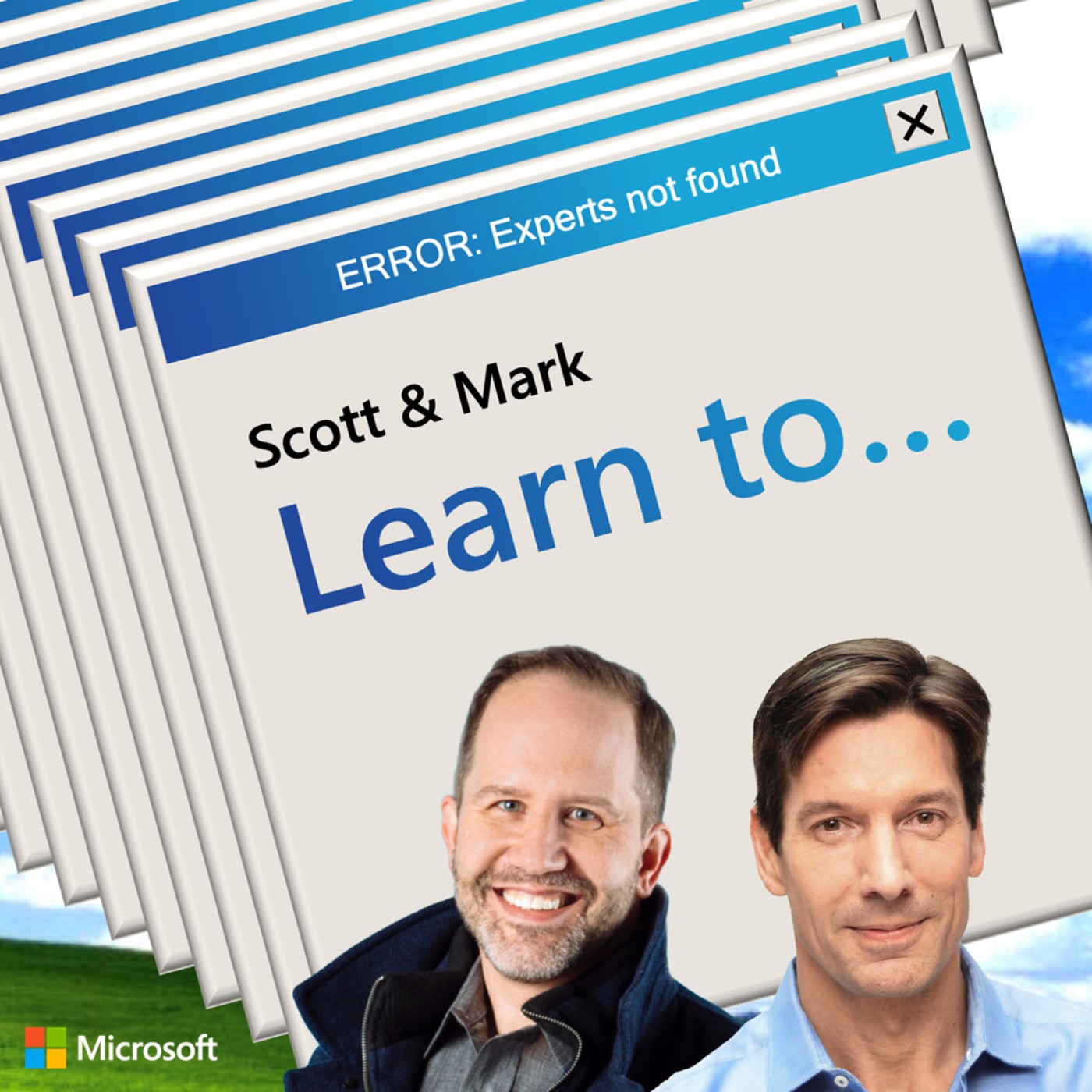
Listen "Scott & Mark Learn To… Take a Dump"
Episode Synopsis
In this episode of Scott & Mark Learn To, Scott Hanselman and Mark Russinovich delve into the critical developer skill of debugging crash dump files, both kernel dumps and application dumps. They start sharing insights from their experiences with blue screens and system crashes. They discuss tools like WinDBG ("Windbag") for analyzing dump files and demonstrate "Not My Fault," a tool for simulating crashes. Mark also showcases Procdump, highlighting its advanced features for capturing dumps with conditional triggers, such as high CPU usage or memory leaks, and explains why it outshines manual methods like Task Manager. Takeaways: How WinDbg and Visual Studio allow developers to analyze memory dumps as snapshots The need for developers to get comfortable with debugging Exciting possibilities for AI-assisted development in the near future Who are they? View Scott Hanselman on LinkedIn View Mark Russinovich on LinkedIn Watch Scott and Mark Learn on YouTube Listen to other episodes at scottandmarklearn.to Discover and follow other Microsoft podcasts at microsoft.com/podcasts Download the Transcript Hosted on Acast. See acast.com/privacy for more information.
More episodes of the podcast Scott & Mark Learn To...
Scott & Mark Learn To... Where to get news?
03/12/2025
Scott & Mark Learn To… Second Brain
12/11/2025
Scott & Mark Learn To… What Makes Good 1-1s
20/08/2025
 In God we trust